

Features
Account & data
Sign-in, exporting your data, importing a graph and deleting your account
Sign in
Sign in to app.hypermemory.io with email and password, Google or GitHub. Passwords need at least 8 characters.
Under Account → Settings you can change your profile picture, email address (confirmed by a link sent to the new address) and password.
Export your data
Open Account → Settings → Export.
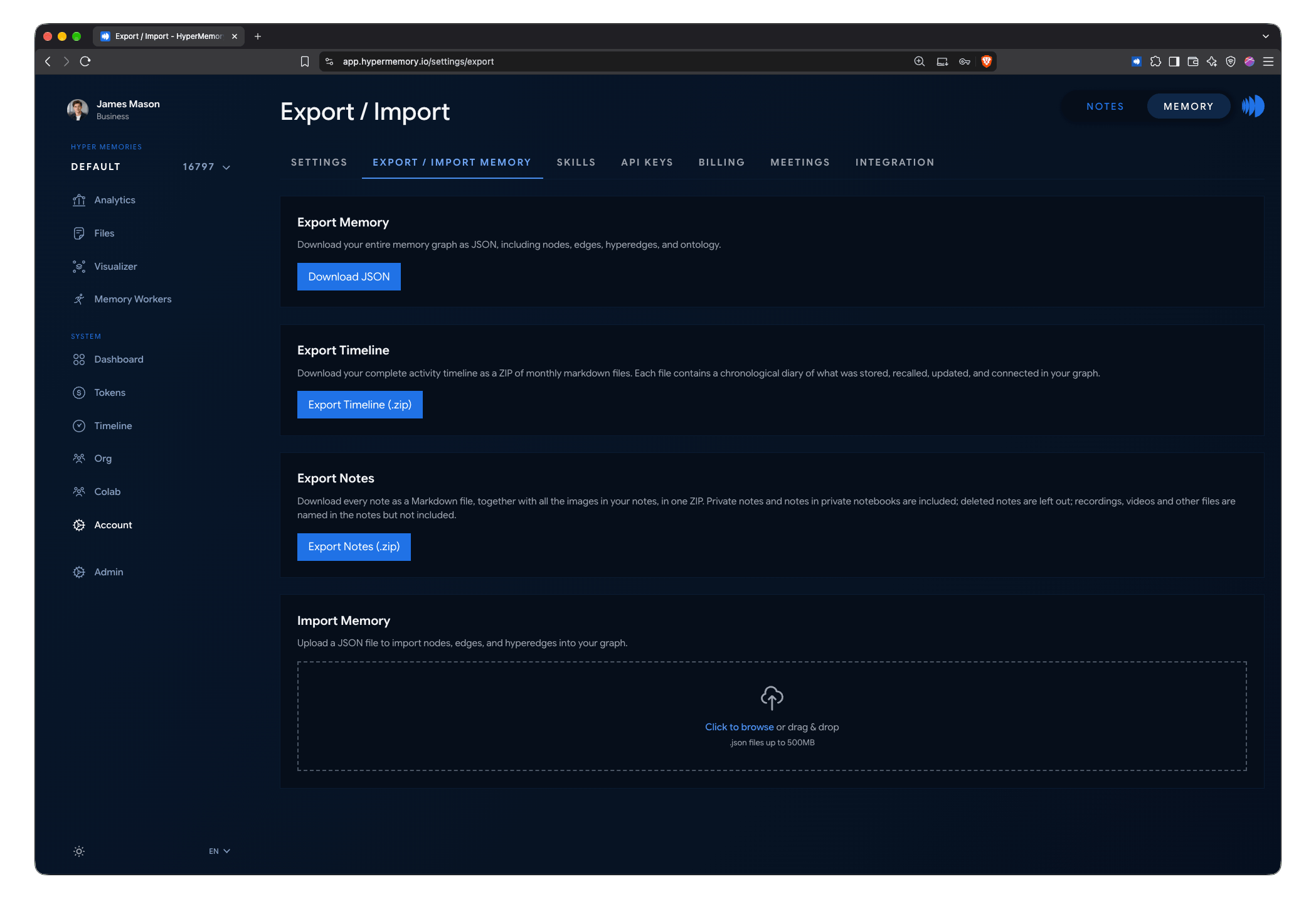
Back up your memory, timeline and notes from the Export page.
| Export | Contents |
|---|---|
| Memory (JSON) | Your whole graph: nodes, edges, hyperedges and ontology. Built in the background; the download link is valid for 24 hours. |
| Timeline (.zip) | Your complete activity timeline as one Markdown file per month. |
| Notes (.zip) | Every note as Markdown with its images and a manifest. See Notes on the web. |
From the shell, hm export -o backup.json exports your graph; over HTTP, use the export routes.
Import a graph
On the same page, upload a JSON export to import nodes, edges and hyperedges:
- Merge adds to what’s already in the graph.
- Replace deletes everything in the graph first, then imports.
Delete your account
Under Account → Settings, choose Delete account and type DELETE to confirm. For your protection you must have signed in within the last 10 minutes; sign out and back in if you’re asked to.
Deletion runs in the background and removes your graphs, nodes, edges, files, API keys and subscriptions. It can’t be undone.
You can’t delete your account while:
- other people still use your organization — remove them first;
- a billing operation can’t be confirmed — try again shortly.
Where your data is processed
HyperMemory’s production service is hosted in Germany. Some supporting services — for example language-model inference, payments and email — may process data in other regions. Every provider that may process personal data on our behalf, and where, is listed in the Subprocessors register. See Governance for security and privacy documentation.