

Features
Files
Upload documents, spreadsheets, images, audio and video, and turn them into memory
Upload a file and HyperMemory stores it, extracts what’s in it, and links it into your memory graph, so your agents can recall the people, decisions and facts inside it — and point back to the file they came from.
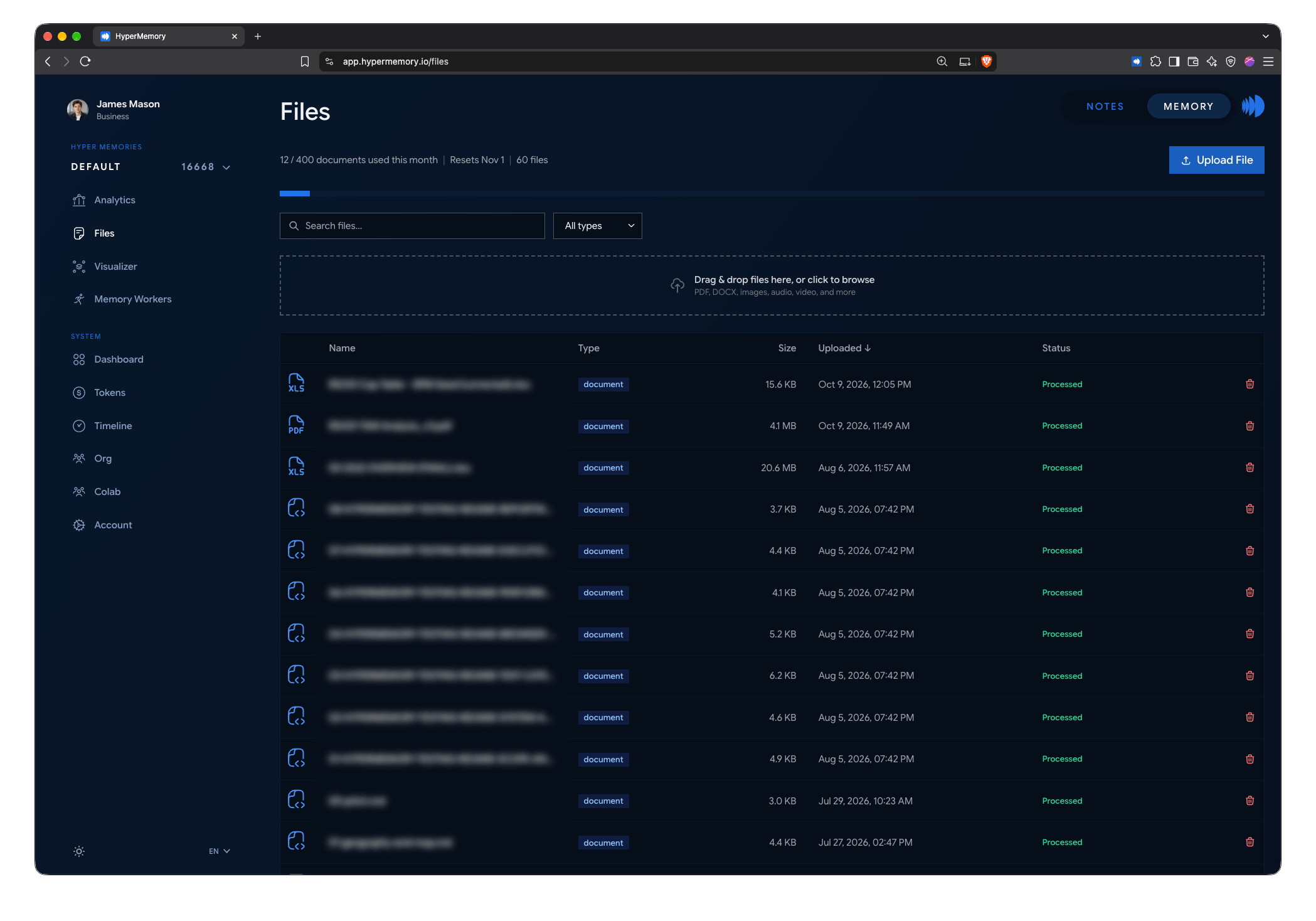
The Files page: uploads, processing status and your document allowance.
Upload
| From | How |
|---|---|
| Dashboard | Open Files and drop files in. Up to 100 MB per file from the browser. |
| An agent | hm_upload_file — about 47 MiB per file over MCP. |
| The CLI | hm upload report.pdf --desc "Q3 board report" |
| REST | POST /api/v1/memory/upload-file |
Supported files
| Type | Extensions | Size limit |
|---|---|---|
| Documents | PDF, DOC, DOCX, PPT, PPTX, XLS, XLSX, TXT, MD, CSV, RDF | 50 MB |
| Images | PNG, JPG/JPEG, GIF, WebP | 20 MB |
| Audio | MP3, WAV, OGG, M4A | 100 MB |
| Video | MP4, WebM, MOV | 100 MB from the browser |
Extraction lenses
A lens tells the extractor what to look for. Choose one when you upload, or reparse a file later with a different lens:
| Lens | Best for |
|---|---|
| General (default) | Anything |
| Engineering & P&ID | Engineering drawings and process diagrams |
| Software & Architecture | Design docs, RFCs, architecture notes |
| Organizational & People | Org charts, team pages, handbooks |
| Financial & Business | Reports, forecasts, contracts with figures |
| Legal & Compliance | Contracts, policies, regulatory documents |
| Scientific & Research | Papers and research notes |
| Process & Workflow | SOPs, runbooks, procedures |
What happens after upload
- The file is stored and a processing job is queued. Processing is durable: if it’s interrupted, it resumes.
- Text is extracted (with OCR where needed) and the lens guides what becomes nodes and relationships.
- A document node for the file is linked to everything extracted from it, so agents can trace a memory back to its source.
- Spreadsheets are also kept as sheets and regions that agents can query with
hm_tabular.
The Files page shows each file’s status and lets you download, reparse, resume or delete it.
Allowance
Each upload counts toward your plan’s monthly document allowance: 5 on Free, 25 on Basic, 40 on Pro, 120 on Business, custom on Enterprise. Extra documents on paid plans are $0.32 each. Paid plans continue past the allowance as overage. The Files page shows how many you’ve used and when the allowance resets.