

App
Notes on the web
Use HyperMemory Notes in the dashboard, and export every note
Open Notes in the dashboard — or switch the toggle at the top right from Memory to Notes. It’s the same notes, synced with the app.
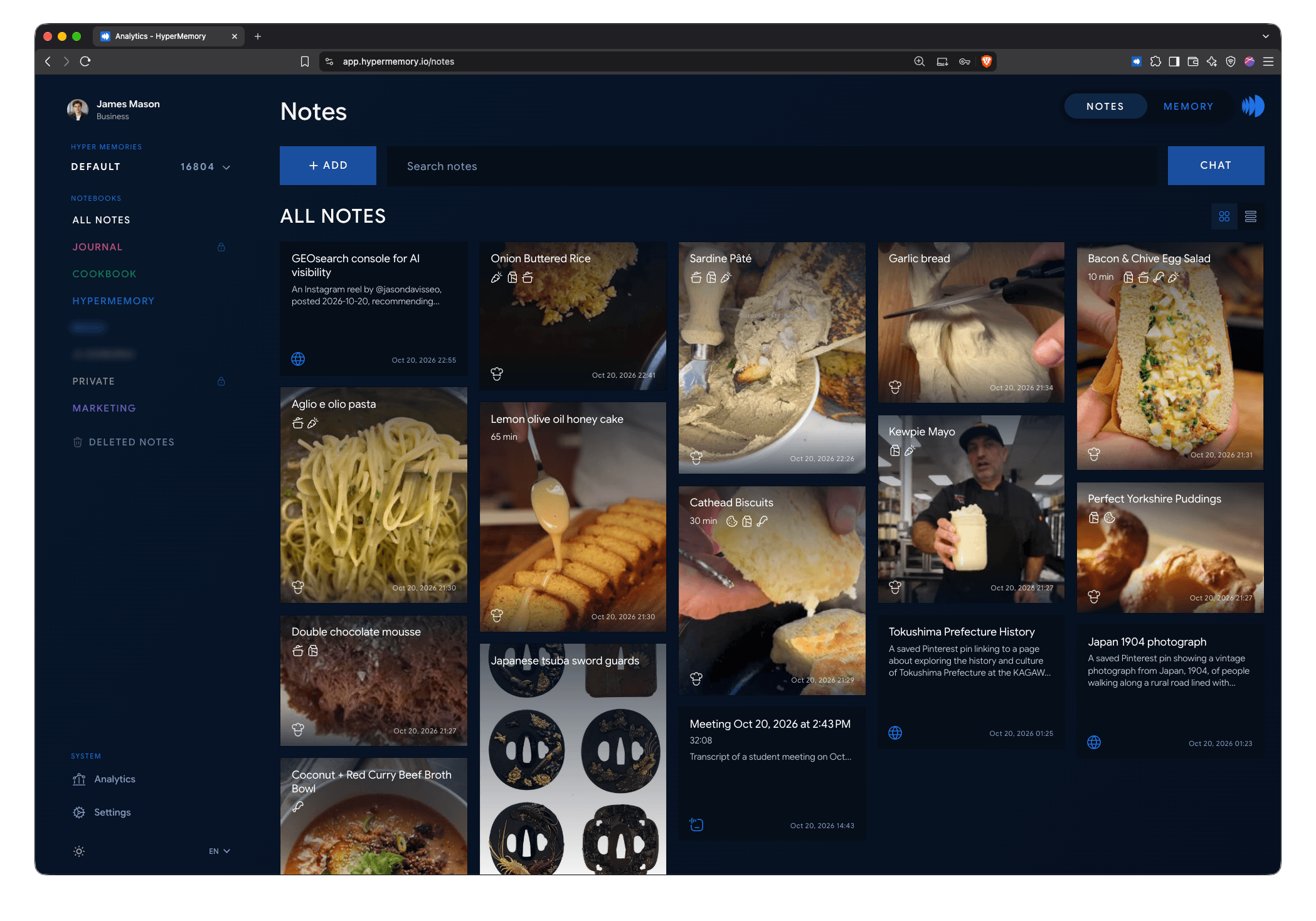
Notes on the web: your notebooks on the left, your notes as cards.
What you can do
- Create notes, journals, checklists, meeting recordings, uploads and notebooks from the Add menu.
- Edit notes — changes sync with your phone and follow the same conflict rules.
- Chat with your notes in the chat panel.
- Share a note publicly, with a password or with another user.
- Browse Deleted notes and restore them.
The web reads notes from the server, so it needs a connection. Web search leaves out private notes; search in the app includes them.
Notes Analytics
Notes → Analytics shows how you take notes: how many notes, notebooks, favourites, private notes and files you have; notes added per week; your streaks and busiest weekdays; and your notes by type and by notebook.
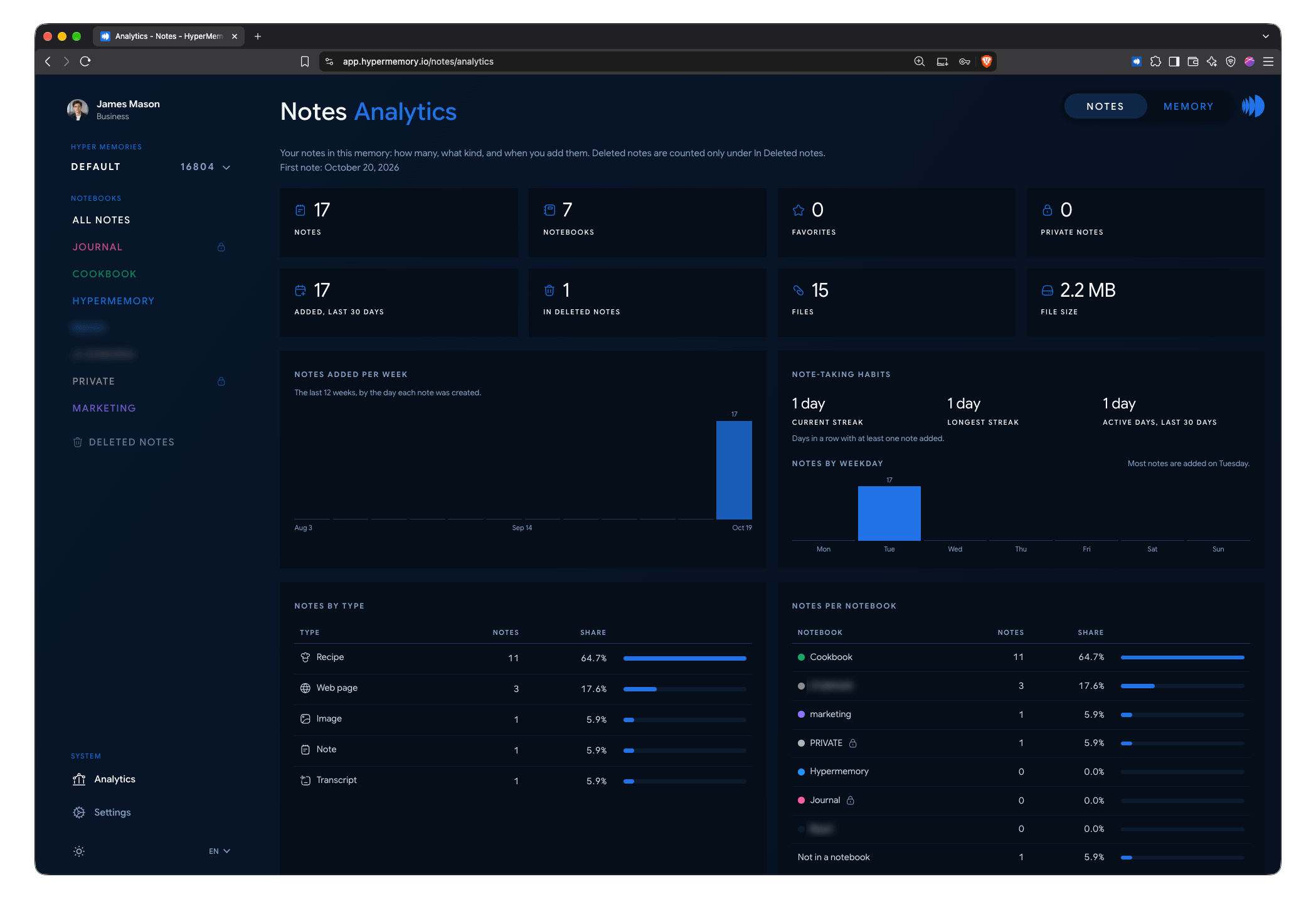
Notes Analytics: what you capture, and when.
Notes Settings
Notes → Settings has the app’s settings on the web: Account, Memory, Language, Connecting memory, Share profile picture, Legal and Sign out. See Settings.
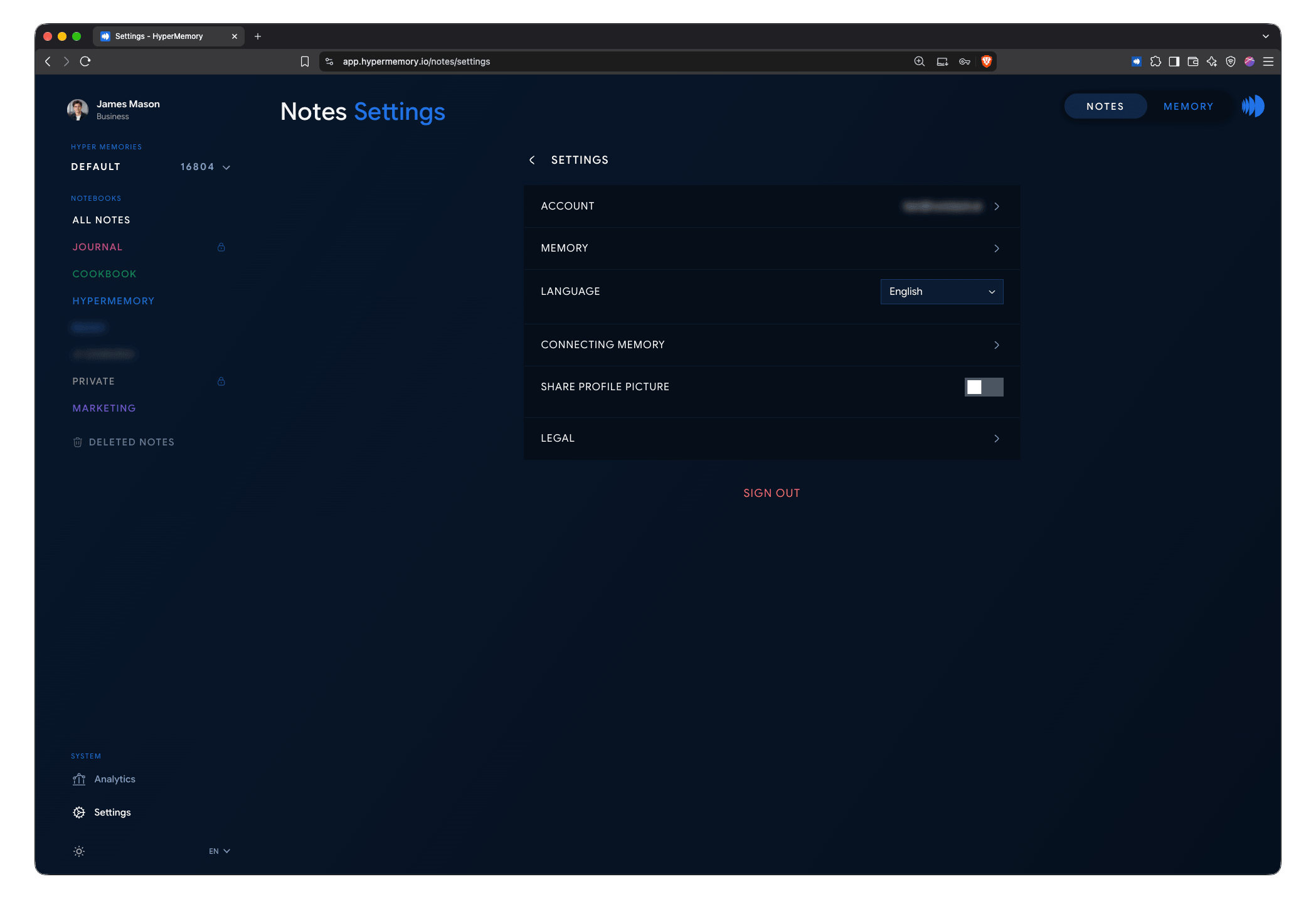
Notes Settings on the web.
Export your notes
Account → Settings → Export → Export Notes (.zip) downloads one ZIP with:
- every note as a Markdown file, with its details in YAML front matter;
- the images in your notes;
- a
manifest.jsonlisting everything.
Private notes and notes in private notebooks are included; deleted notes aren’t. Recordings, videos and other attached files are listed by name but not included.