

Organize
Notebooks
Organize notes into notebooks, with favourites, colours and hidden notebooks
Create a notebook
Tap + → New notebook and give it:
- a name and one of 12 colours;
- Favourite — keep it at the top of the drawer;
- Private — keep its notes out of your memory and chat. See Privacy;
- Hide from main feed — its notes show only inside the notebook, in favourites and in search.
Open the drawer to see your notebooks. Notes you create go into the notebook on screen.
Move notes
Move a note into another notebook from its ⋯ menu — or ask chat to sort notes for you.
Favourites and recent notes
Mark notes and notebooks as favourites. The home screen also shows your recent notes. Notes are listed newest first, as cards or in a list — switch between the two views at any time.
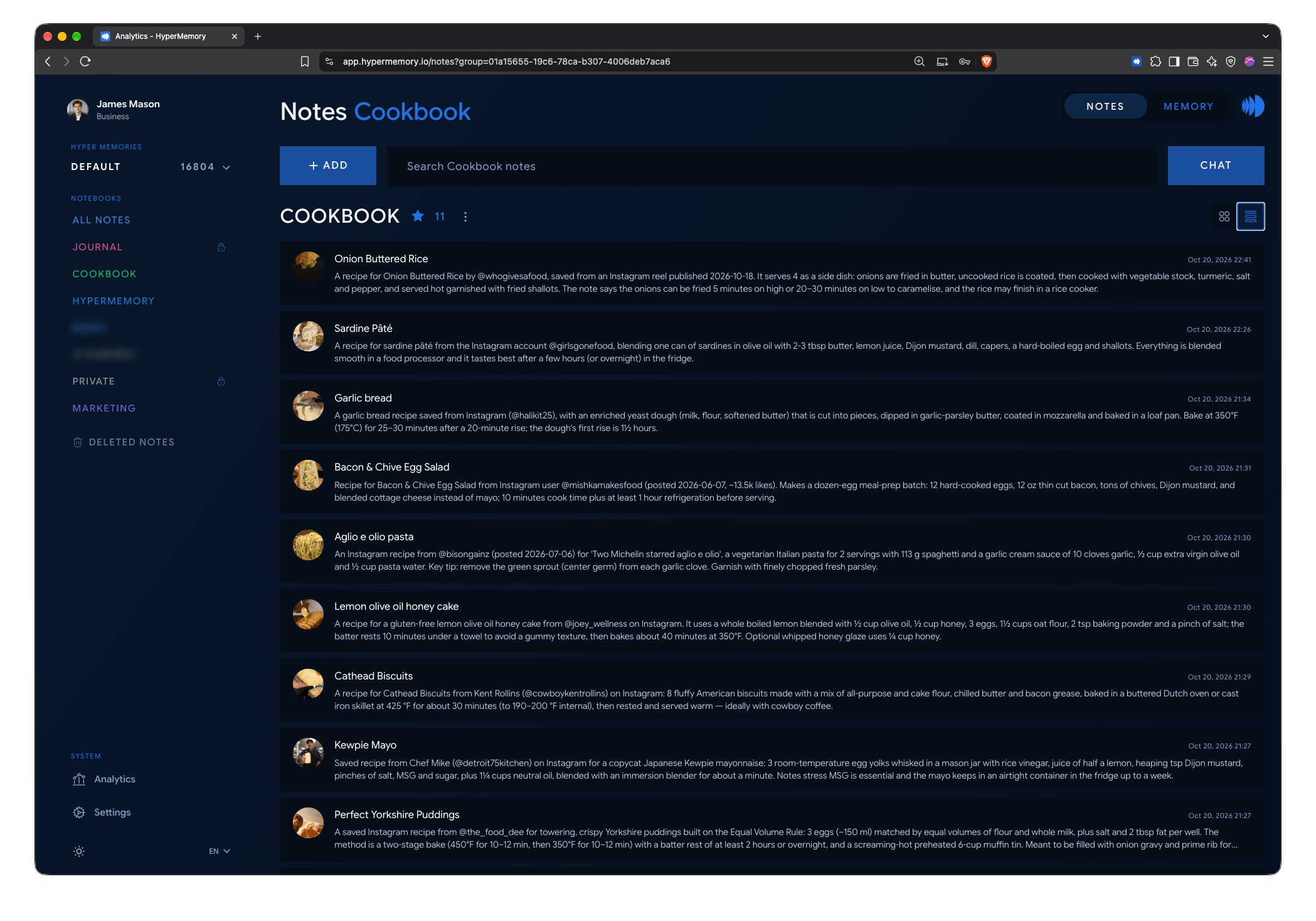
List view: titles, types and dates at a glance.
Search
Search finds notes by their text, title, summary and the AI’s keywords.
- In the app, search runs on your device: it works offline and includes private notes.
- On the web, search runs on the server and leaves out private notes and notes in private notebooks.
Delete a notebook
When you delete a notebook, choose whether to keep its notes (they leave the notebook) or delete them too.
Deleted notes
Swipe a note away and you get 5 seconds to undo. After that it goes to Deleted, where it’s kept for 30 days — each note shows Deletes in N days.
From Deleted you can:
- Restore a note to its original notebook;
- Delete permanently;
- Empty the folder.