

AI & Memory
Chat with your notes
Ask questions about your notes and let the AI organize them, with your confirmation
Open chat from the home screen — or from the chat panel in Notes on the web — and talk to your notes.
Ask
- “What did I decide about the kitchen tiles?”
- “List my receipts from September.”
- “Find the note about the pricing workshop.”
Chat searches, opens and lists your notes to answer. With Notes can access memory on, it also uses your HyperMemory — what your agents know.
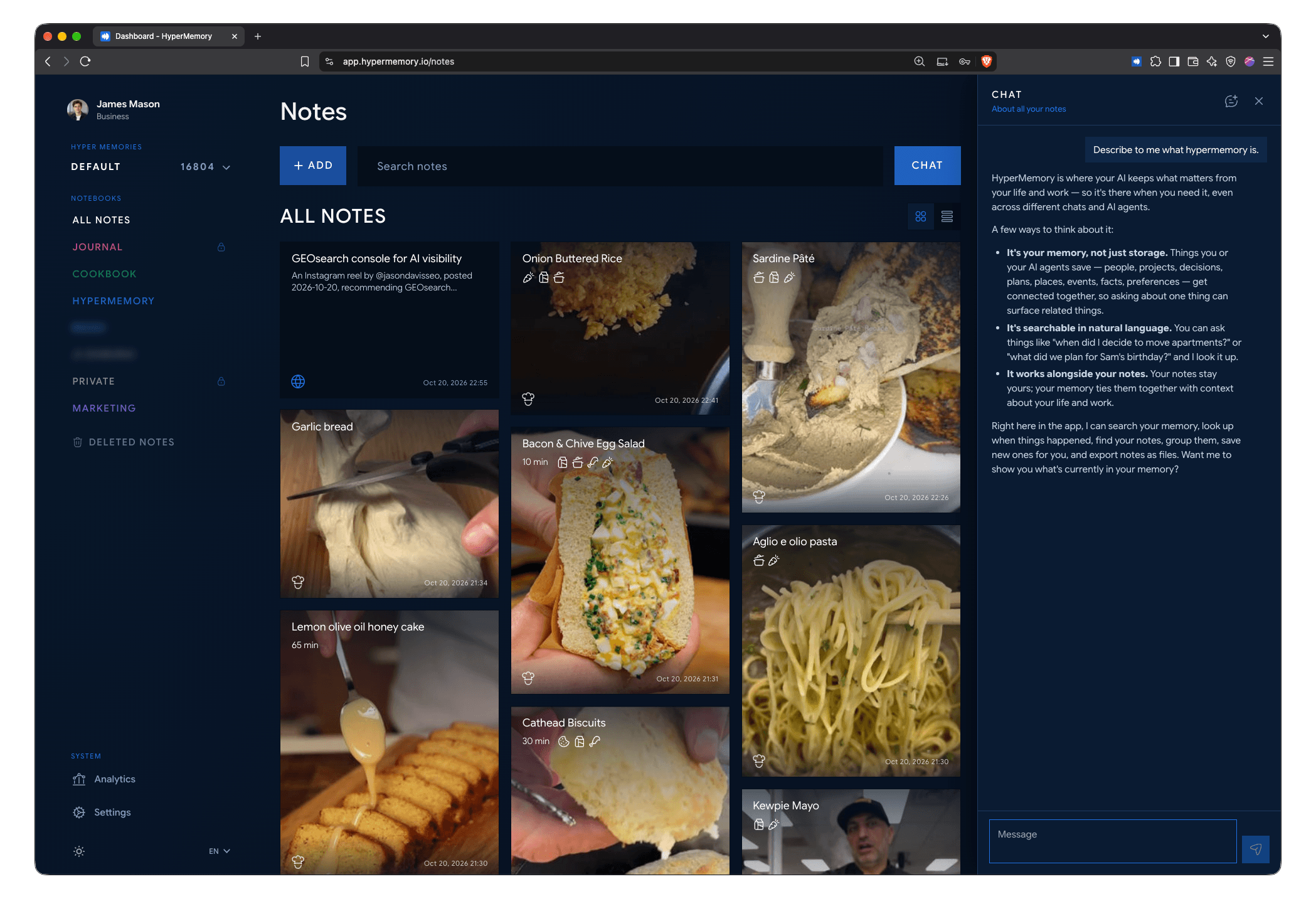
Chat with your notes on the web.
Let it organize
Chat can propose changes:
- create a note or a notebook;
- move notes into a notebook.
Nothing changes until you tap Confirm (or Cancel). A confirmed change can be undone for 30 seconds.
What chat can’t see
Private notes and notes in private notebooks are never used by chat.
Limits
- Up to 4,000 characters per message.
- One reply at a time.